
Summary
This feature allows users to add extra information to a shift assignment in the form of a note or comment.
Adding a note to a shift assignment
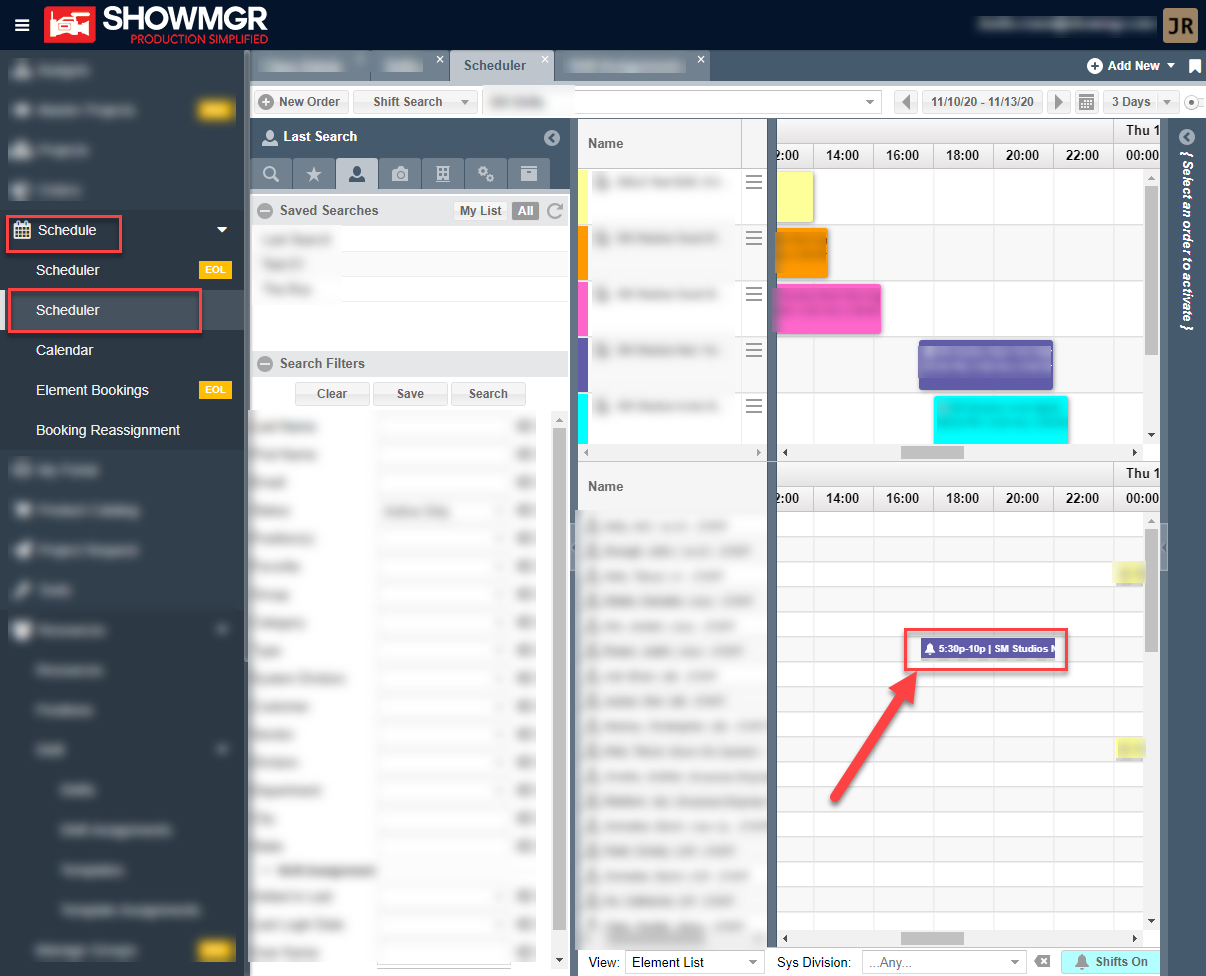
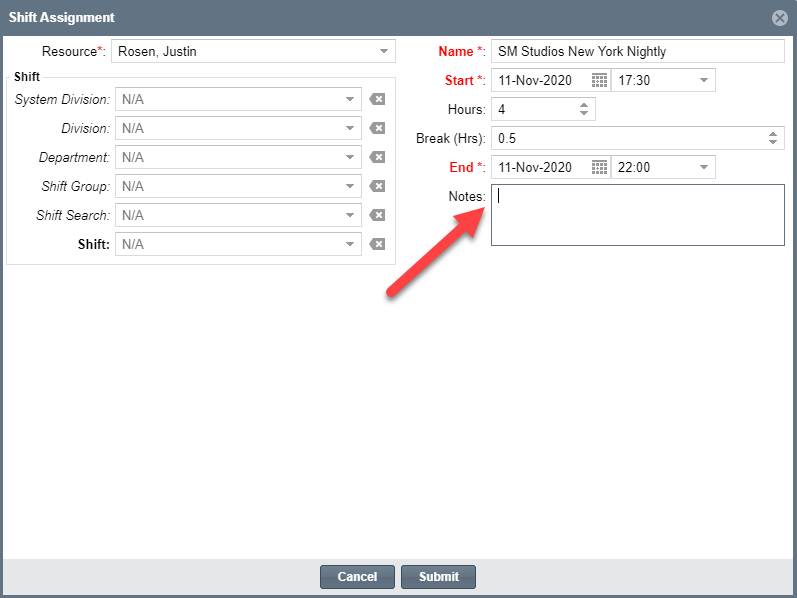
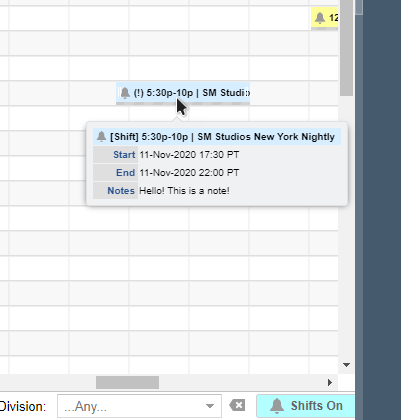
From Scheduler you can now click on any shift assignment and add a note to the assignment's details and click Submit to save. Once saved, the assignment will have a ! sign and the user can hover over the assignment on the Scheduler to see additional details about the assignment, including the note.
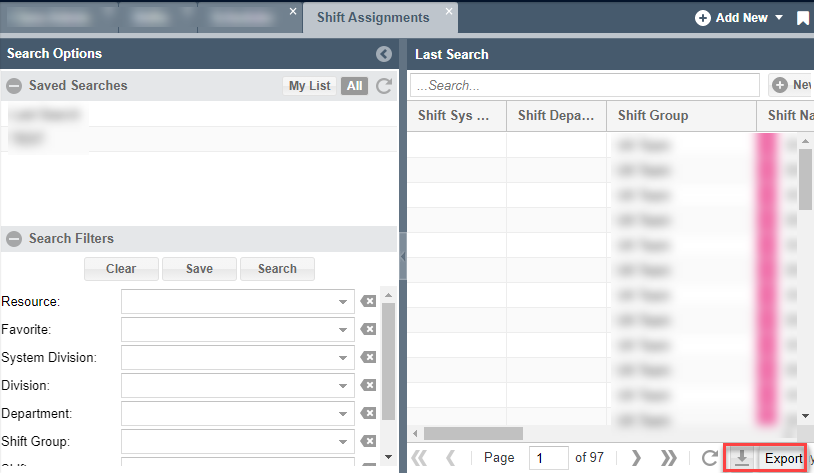
To export shift information (including notes), just click on the export button at the bottom of the Shift Assignments grid view. All grid columns, including notes will be exported.
We are working to have this information also included in push notifications on the mobile application.
For more information on shift management in Scheduler, see our article Handling shift management directly in the Scheduler