
If you or your business would like to be notified via email when ShowMgr releases a product update, release, or hotfix, here's how you can sign up.
Signing up for Release and Hotfix Notifications
- Go to ShowMgr's Release Section on the Help Center
- Click the red Follow button under the page heading
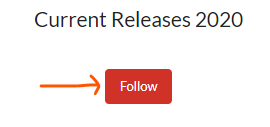
- Once signed up, you'll receive a message via email whenever new information an updates are added to this section
- To unsubscribe/unfollow:
- Click the same button to Unfollow in the section or article or click on your user name at the top right hand corner and select My Activities
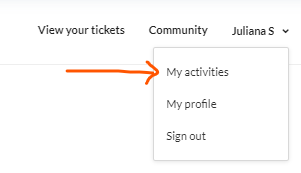
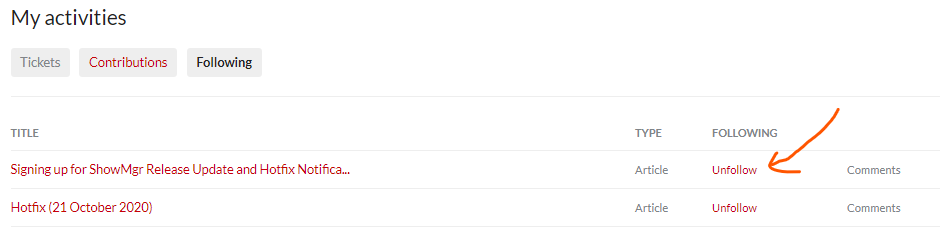
- Here you'll find a list of your tickets and all of the articles you have followed. Click on Following and then next to the article/s you no longer want to follow, click Unfollow
- Click the same button to Unfollow in the section or article or click on your user name at the top right hand corner and select My Activities