
Summary
It is possible to add clickable URLs to some ShowMgr fields, however it is currently not possible to add clickable hyperlinks (i.e. text that links to an external location).
Adding URLs to Project or Order details
You can enter in your hyperlinks into either "text" or "textarea" fields of Projects or Orders. The "view" mode of the details page will render the hyperlink to make it clickable.

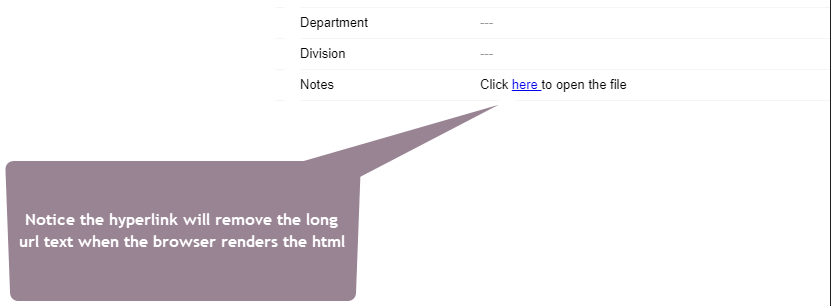
Another option is to add in the <a href> tag into a textarea field as per the following example. e.g. If you were to add the text Click <a href="file://path-to-file-goes-here"> here </a> to open the file to a textarea field like Notes, the "view" mode will render the hyperlink. This option however it is not the most practical.
"Edit" mode:

"View" mode:
Linking to external documents
In the Documents section of a Project or Order, you can link to an external site. Just fill out all of the mandatory and relevant optional information in the pop-up window and click External Hyperlink and type the URL into the field below.
Click Save to close.
