Summary
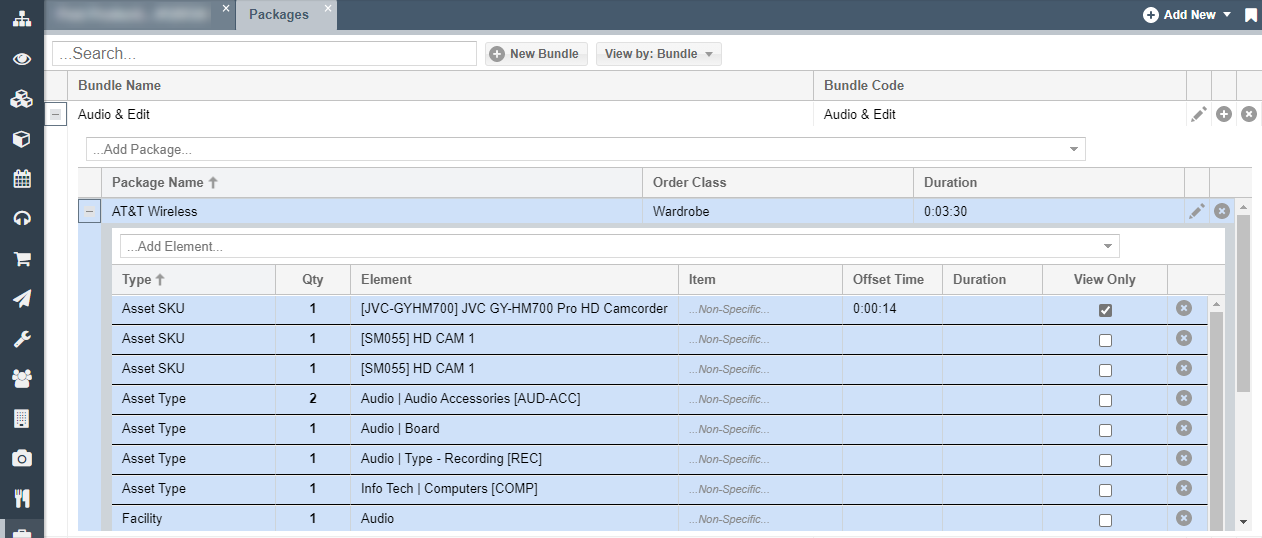
This new feature improves the usability of using Packages and Bundles by combining their views. Now a user can freely interact with a Package when inside the Bundle view, eliminating the need to toggle between the two views/tabs.
Interacting with Packages from the Bundle view
- From the main left-hand navigation menu, select Packages
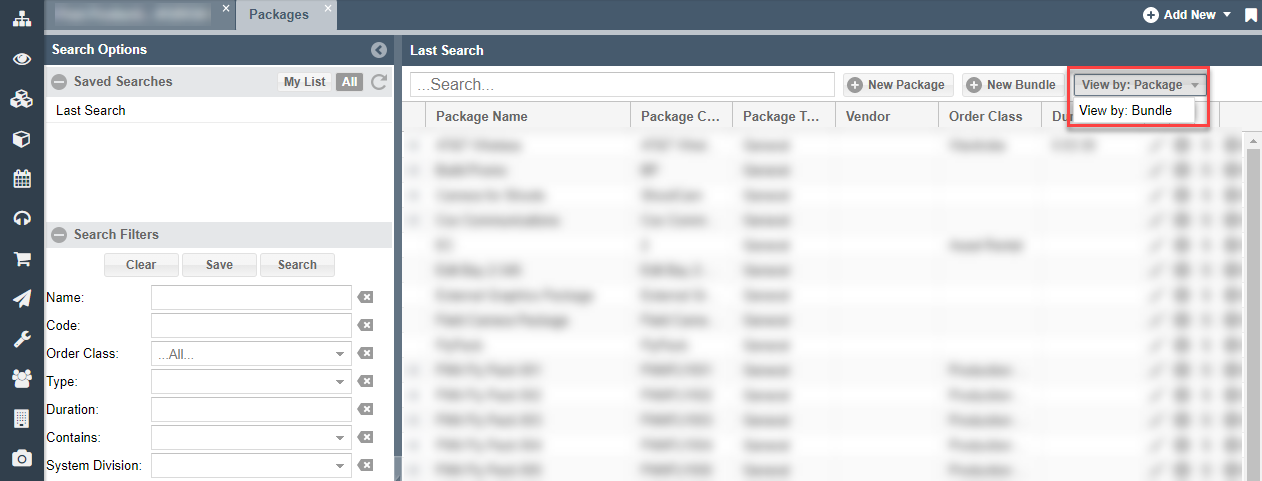
- In the top menu bar, change the view to View by: Bundle
- On the left-hand side, click on the + icons to expand one or more Packages associated with that Bundle. Once expanded, you'll be able to modify the Package directly within this view without having to toggle back to the Package view.