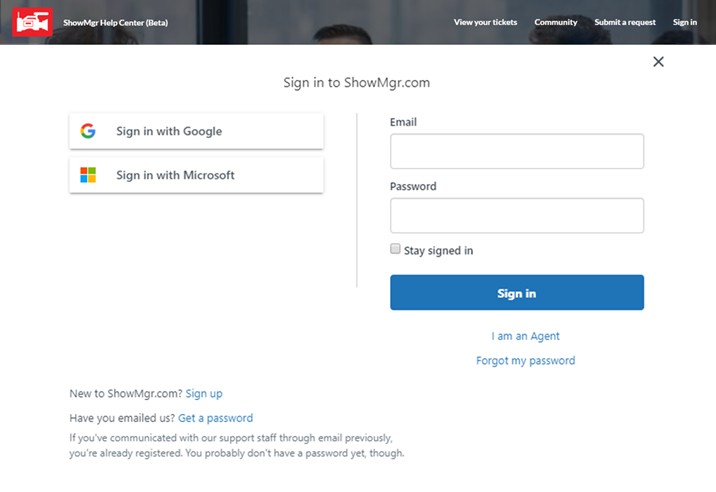
- Navigate to http://support.showmgr.com
- Click Sign In at the upper right-hand corner to open up the sign in pop-up
- Enter in your Email and Password, or
- If you have never contacted our support team before, click Sign Up
- If you have previously emailed us but do not have a password, click Get a Password
- Click Sign In to complete the log in process
- If you have any issues logging in or getting a password, please contact us