
Summary
In ShowMgr, it's possible to email some or all of the Resources associated with an Order directly. This article walks you through how to find an Order's Resources and select those you would like to email. For information on how to create automatic Order Alerts, please see our article on setting up and modifying Order Alerts
Emailing Order Resources Directly
If you need to email all of an Order's resources directly:
- From the main left-hand navigation menu, click on Orders to open the Orders Grid
- Click on an Order to open the Order details
- In the right-hand panel, you will see a list of Contacts associated with the Order. These are the individuals affiliated with an Order, they are not necessarily booked on the order. You can filter this list as well as add any other Resources in this section
- When ready, select the checkbox
 next to any of the Resources you would like to email and then click the Email Selected
  button
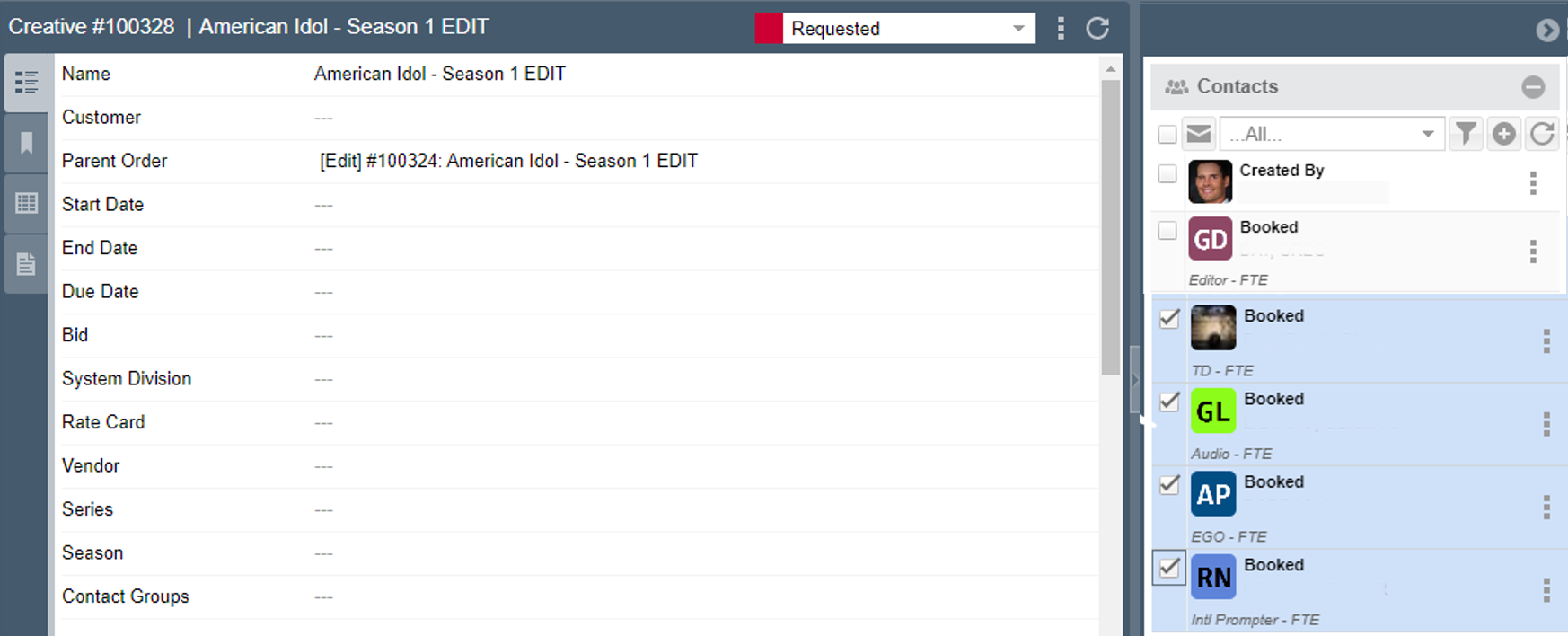
- This will open your local email application and pre-load your message with all of the Resources email addresses. Type out your email and hit send.