Summary
Customer Portal is a ShowMgr module used by customers who need to view Orders associated to them and follow along an order's lifecycle. This article walks through how to find and navigate to the Customer Portal.
Getting started with Customer Portal
- Launch Google Chrome (from our experience, ShowMgr works best on Chrome)
- Type https://mycompany.showmgr.com into your browser (replacing "mycompany" with your company's name)
- After selecting Login, you will be given a selection of Single Sign-on (SSO) providers supported for your ShowMgr instance. Select Log In With Google to login via Google SSO and to access your account
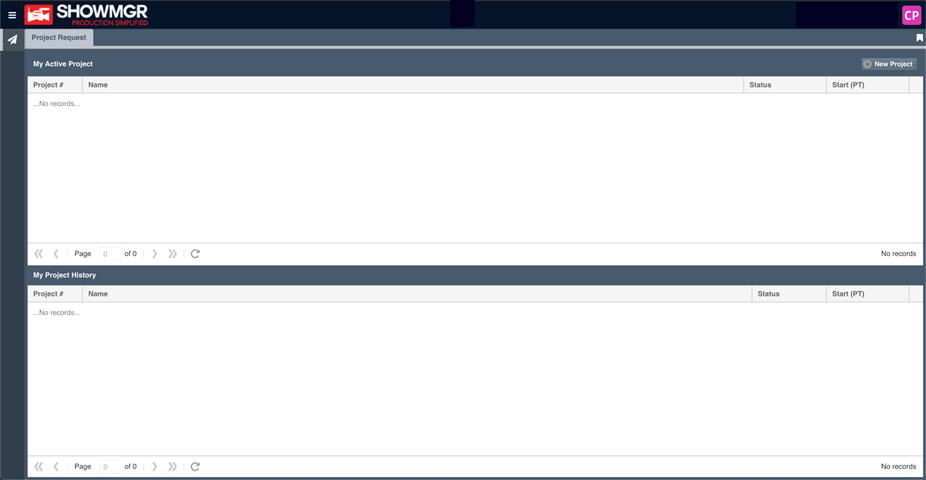
- On the left navigation menu, select My Portal. The Portal will open to a Gregorian style calendar view by default. Users of the Customer Portal are empowered to directly and actively engage in the Project's lifecycle in the My Active Projects grid. Customers can also request new projects, track & manage Project progress, interact, and even share comments. Past Projects are also available for review under My Project History and can be cloned for repeat efforts