
Summary
In ShowMgr it's possible to sync any invoice to any vendor through the Finance section. This article walks you through the steps to find invoices, projects and orders and to sync them.
Syncing an Invoice to a Vendor
- Select Finance from the left-hand navigation menu. A dropdown menu will appear
- From the dropdown menu, select Vendor Invoice Sync
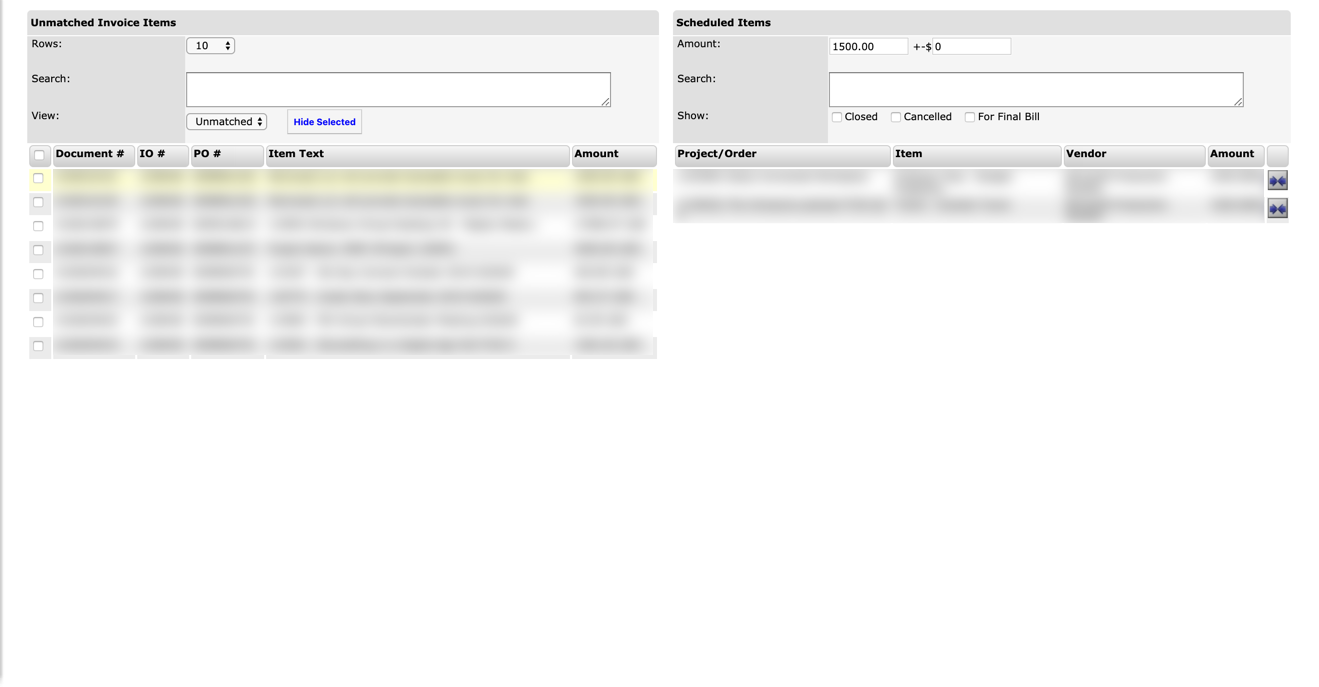
- On the left side of the page, use the top-header search options to load the Invoice items you want to sync
- In the Grid below, select the checkboxes of the specific Invoices you want to sync
- On the right side of the page, use the top-header search options to load the Project/Order items that need to be synced
- In the Grid below, use the inward-facing arrows icon on the right side of the Project/Order item you want to sync to link your selected invoice items. A pop-up window should open
- Select Accept to sync your Invoice items with your Project/Order item OR select Decline to cancel the process