Summary
Sometimes, you may need to change your timezone within ShowMgr. This article will walk you through the steps for changing your User Account's Timezone located in your User Profile and in your User Account
Changing your Time Zone via your User Profile
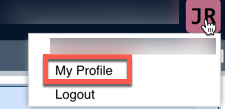
- From inside ShowMgr, click the top-right User Profile Icon (Note: this icon will either be your first and last initials or your profile picture)

- Select My Profile from the drop down menu
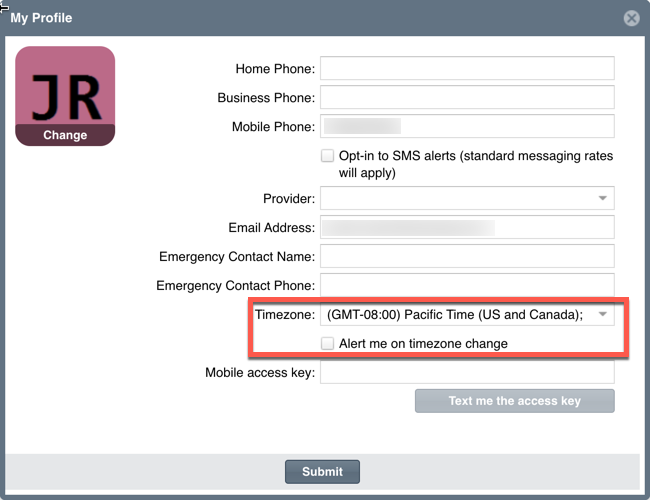
- Change the Timezone by using the drop down labeled Timezone
- Be sure to select the checkbox Alert me on timezone change to have your instance give you a popup when you open ShowMgr in a different timezone