Summary
In ShowMgr, equipment can be listed as an Asset or as part of a Facility (Room). This article walks you through the two different methods for listing equipment in ShowMgr
Solution 1: List the equipment in the room as a note in the description
Navigate to Facilities and select the site/room you would like to add the equipment to. In the notes/description of the selected site/room, list the equipment and click Save.
Solution 2: List the equipment as individual Assets or create a Package
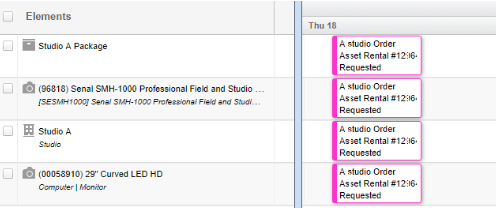
You can track all of the individual pieces of equipment as Assets in ShowMgr and then add them separately to Orders and Bookings. You can also bundle all of the individual pieces of equipment together with a Facility Element by building a package. In this case you will only have book the Package instead of requesting all of the equipment separately.